Stock and expenses for cafés and restaurants, next to your cashier
Sales alone do not tell you whether the month made money. On the Growth plan, PufferPOS keeps your stock, vendors and expenses in the same place as your sales, so the dashboard can show profit.
- Recipes per item: each sale takes its ingredients out of stock.
- Purchases, waste and counts keep quantities honest.
- Vendors’ contacts in one list.
- Expenses by category and date: rent, salaries, bills, purchases.
- Included in Growth, with Puffy AI to ask about your numbers.
Stock
Add the ingredients and goods you buy, each with its unit (kilo, litre, piece). Record purchases when goods arrive, waste when something spoils, and a count when you check the shelves; the quantities follow.
Add stock items
Name, unit and starting quantity.
Control panel → StockRecord purchases and waste
Each purchase or waste entry changes the quantity and keeps a history.
Count regularly
A count sets the real quantity, so you see what went missing.
Recipes: sales take stock out
Give a menu item a recipe, for example 18 g of coffee and 200 ml of milk for a large latte, with a recipe per size if you need one. Turn on stock tracking and every sale takes those ingredients out of stock. Editing the order adjusts them, and when you cancel an order you choose whether they go back.
Compare the count with what recipes say you used. The gap is waste, mistakes or theft, and it is where most cafés lose money.
Expenses and profit
Add rent, salaries, bills and purchases with a category and date. The dashboard puts them next to sales, so you see profit for the month and can compare it with last month.
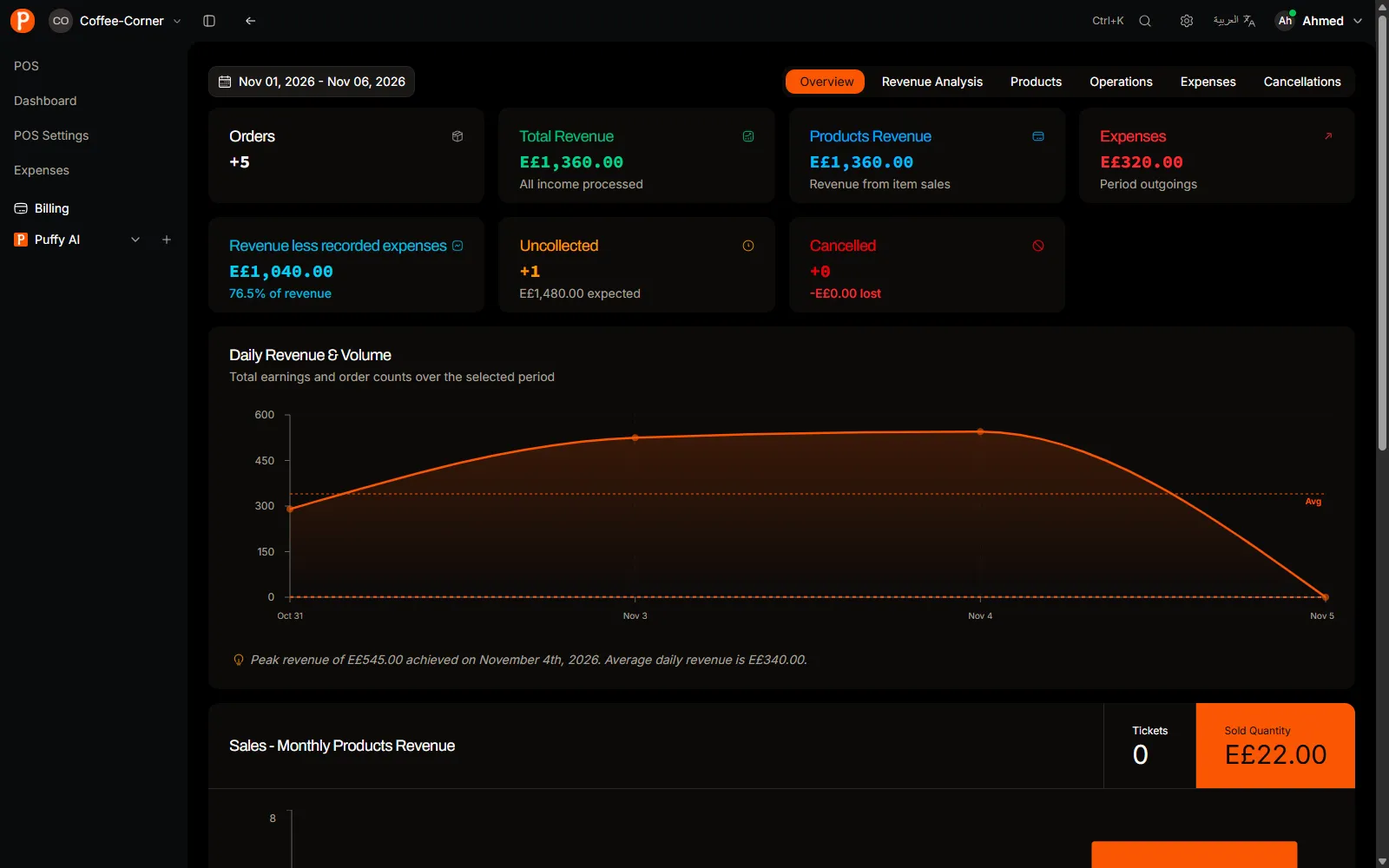
Ask Puffy
Puffy is the AI assistant in Growth. Ask “how much did we sell this week?” or “which items sold least last week?” and it answers from your real data, in Arabic or English.
Price
Stock, vendors, expenses and Puffy come with Growth, together with two branches and 15 accounts per branch. Starter does not include them. The free trial includes everything.
| Plan | Monthly | Quarterly | Yearly |
|---|---|---|---|
| Starter 1 branch · 5 accounts per branch | EGP 800 | EGP 2,208 | EGP 7,680 |
| Growth 2 branches · 15 accounts per branch | EGP 2,200 | EGP 6,072 | EGP 21,120 |
Questions about stock
Can I use stock on Starter?
No. Stock and expenses are part of Growth. You can try them during the 14-day free trial.
Does importing my menu create stock?
No. Menu import only creates menu items. Stock items are added separately.
Is stock kept per branch?
Not yet. Stock is kept for the whole business, so two branches share one stock list.